
FIXED ✅ CSR 2 Realistic Drag Racing - Google Update Delay 4.8.1
✅CSR 2 Realistic Drag Racing
✅Google Play Update Issue
We want to emphasize that this delay in receiving the update is entirely outside of our control.
We didn’t cause it, and it’s related to Google Play’s servers, We’re here to assist you in any way we can.
We’ve prepare an instructions for forcing the update, Please give that a try, and if you encounter any difficulties, don’t hesitate to ask for assistance by reaching us on our Live Chat Channel. ✅ Download the following four files from the provided links: ⬇️ DOWNLOAD NOW ⬇️
- CSR2 4.8.1 APK
- ES Explorer APK
- main.xxxx.com.naturalmotion.customstreetracer2.obb
- patch.xxxx.com.naturalmotion.customstreetracer2.obb
Do Not Uninstall CSR2 Game
Open the OLD CSR2 game that you used before. Make sure you use the old version, and it should show you the update notice popup.
Install Downloaded APK
Over Install the Latest Updated CSR2 APK from the provided link. ( do not uninstall the old one )
Start the game, and when you encounter a black screen, force close it.
✅ Install ES File Explorer, Launch ES File Explorer and grant it the required permissions.
✅ Navigate to the following path in ES File Explorer:
android/obb/com.naturalmotion.customstreetracer2
Move both downloaded OBB files from first step to this exact path
main.xxxx.com.naturalmotion.customstreetracer2.obb
patch.xxxx.com.naturalmotion.customstreetracer2.obb
✅ Launch CSR Racing 2
Once you've moved the files, launch the CSR Racing 2 app again. The game might take a couple of minutes to load, but it should now load without any issues. DONT SEND IT TO BACKGROUND WHILE LOADING
Must Read Notes:
Be sure not to change the name of the OBB files; they should end with "obb."
If the game still doesn't work after following the above steps, please ensure that you've properly installed the CSR Racing 2 APK and the two OBB files.
Double-check that the OBB files are in the correct directory.
If you encounter any issues during the process, feel free to ask for help.
✅ We hope this tutorial helps you fix the CSR2 Late Update issue on your Android device.
Good luck, and enjoy the game!
Question about this guide?
Message us on Telegram - replies usually within 10 minutes.
Skip the grind
Featured CSR2 packs delivered in 30 min via Telegram.

 499
499

More CSR2 guides
View all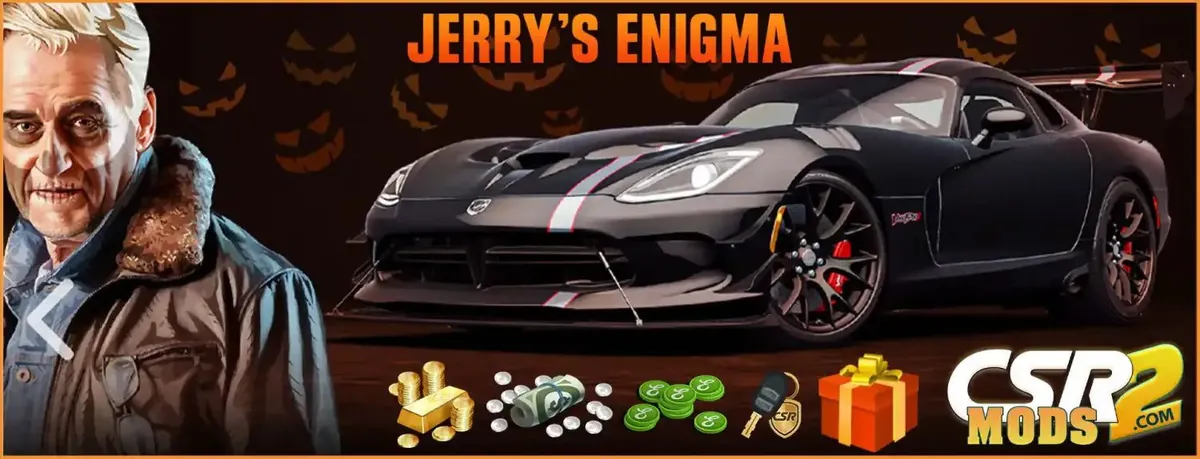
CSR2 MODS SHOP's Guide to Dominating Jerry's Enigma Halloween
Jerry's Enigma Halloween In the world of CSR Racing 2, Halloween brings not just spooky costumes and jack-o'-lanterns, but also thrilling races and exclusive cars. At CSR2 MODS SHOP, we eagerly await…
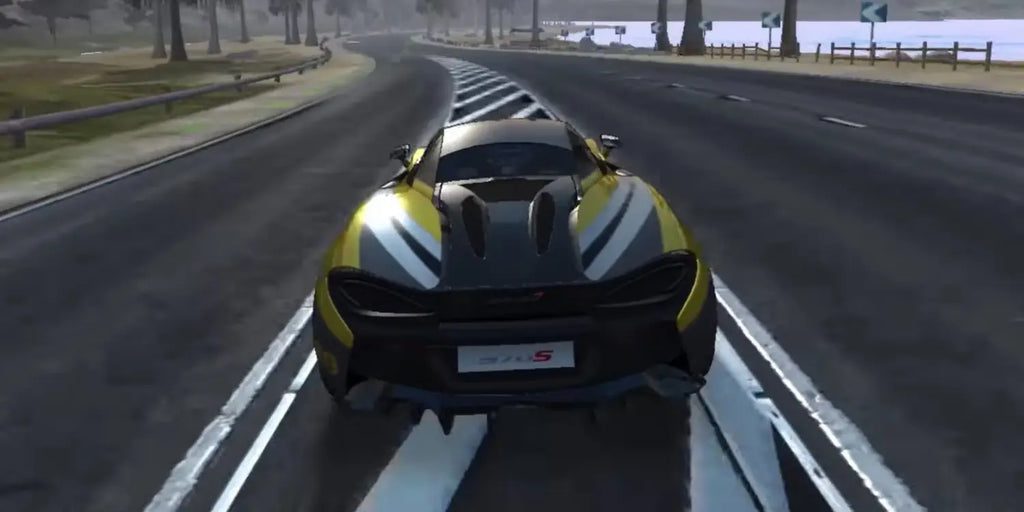
Best 21 Mobile Racing Games in 2023
Mastering the Mobile Racing Scene: CSR Racing 2 Mods Comprehensive Guide In the ever-evolving world of mobile gaming, one genre has consistently revved up the excitement for enthusiasts of fast cars…
How to Buy from CSR2 Mods - Step-by-Step Guide
Welcome to CSR2Mods.com! Follow these steps to successfully purchase mods on our website: Step 1: Explore Our Products Browse through our selection of mods and products. Add the items you'd like to p…
How to Unban a CSR Racing 2 Account on iOS and Android
What a CSR2 temporary suspension or permanent ban blocks, how to ask official support for a review, and an honest look at what a paid account restore can and cannot do.